
Optum Connections Portal
Welcome to the Optum Connections Portal! Among many other capabilities, this portal is designed to help developers manage their integration with our API efficiently. This document contains an overview of the portal and the actions you can perform within it.
The portal can be accessed here: https://payments.optum.com/
Overview
The Optum Connections Portal provides tools and resources to:
- Generate and manage API keys
- Subscribe to events and configure webhooks
- Monitor and test triggered events
All these actions are accessible under the Developer section in the left sidebar. Here's a breakdown of each section:
Developer hub
This section provides a direct link to the full API documentation. Use this resource to understand the API endpoints, request/response formats, and other technical details.
API key
In this section, you can generate API keys for your organization. Each organization is allowed to generate up to 5 API keys.
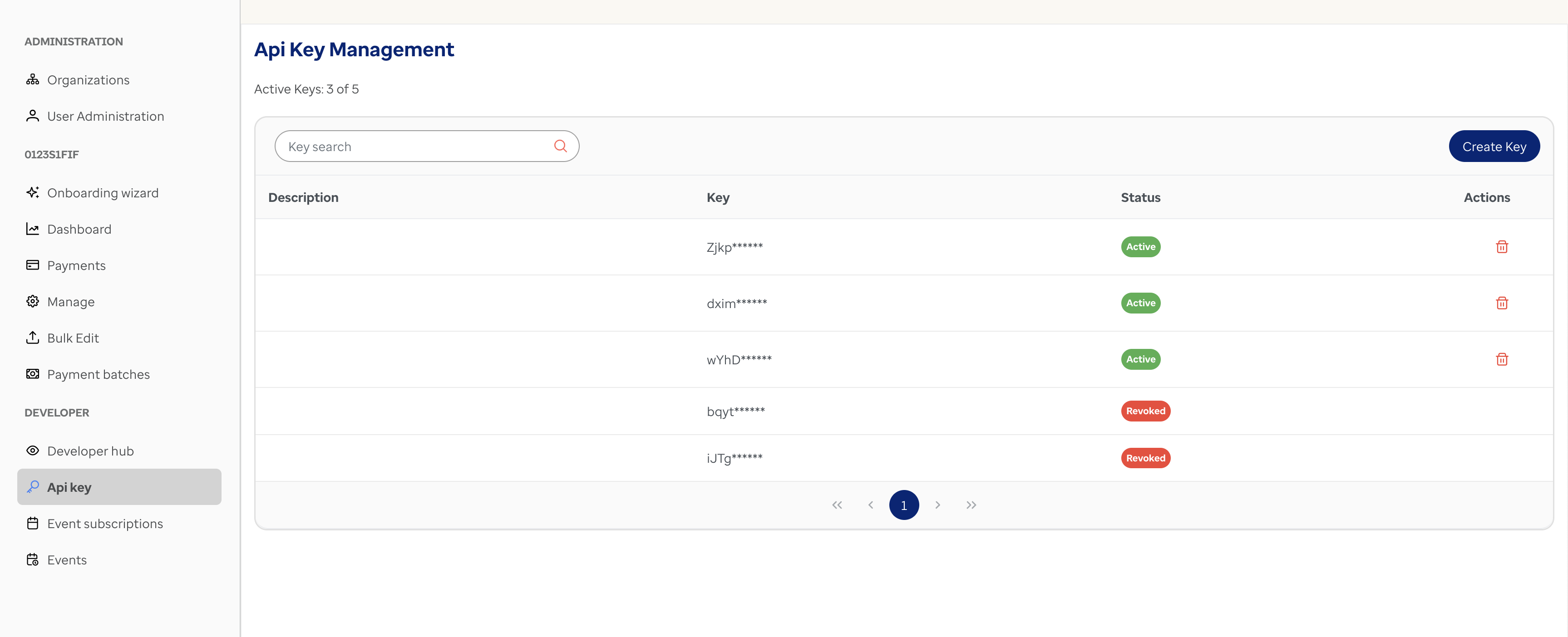
Important: Once you generate an API key, make sure to copy it immediately. For security reasons, the key will not be displayed again after generation.
Event subscriptions
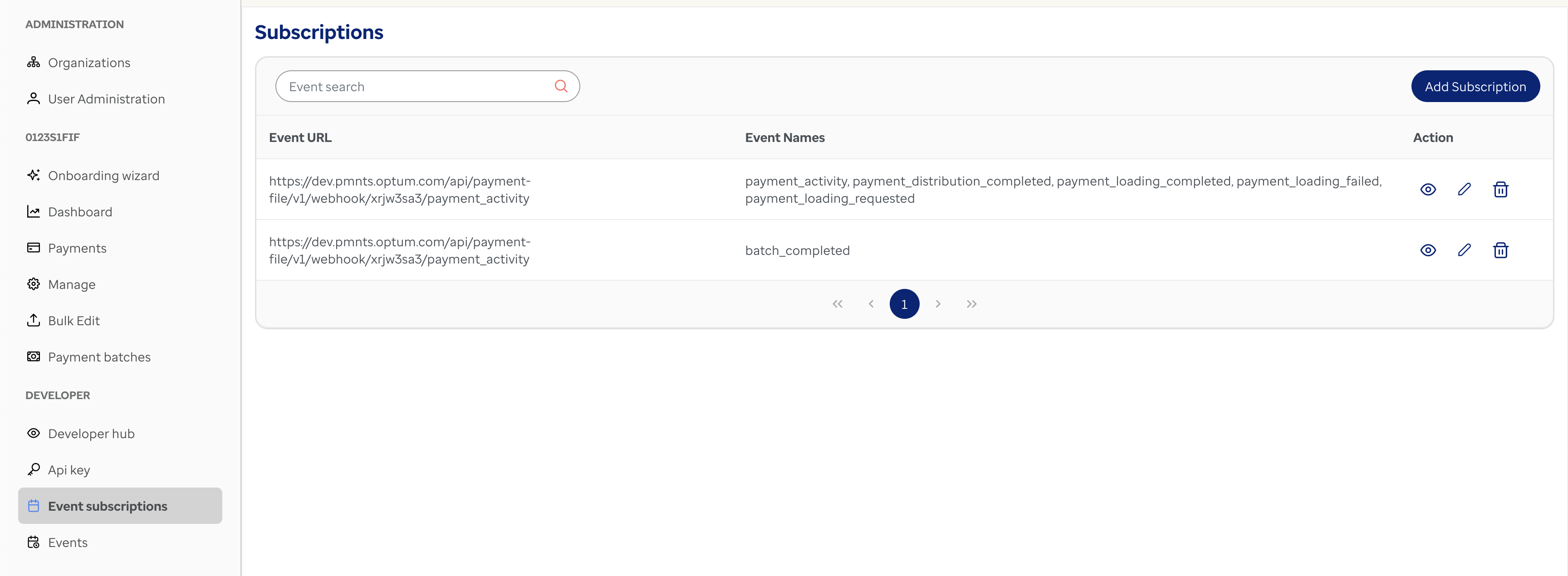
This section allows you to subscribe to events and configure webhooks. Here's how it works:
- Provide a webhook URL where event notifications will be sent.
- Select the events you want to subscribe to.
- Subscribe to as many events as needed and assign a unique webhook URL for each event.
For more details about events and subscribing to events, refer to the Webhooks page .
Events
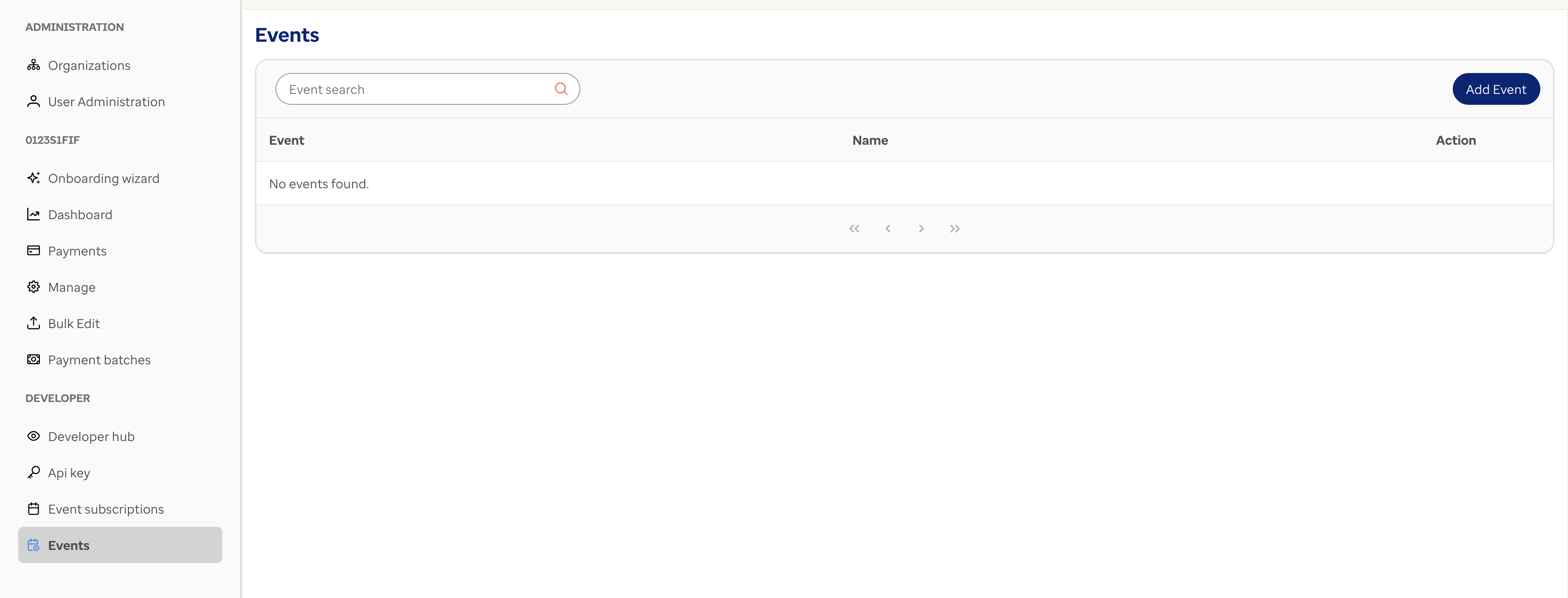
In this section, you can monitor the events triggered. This is useful for testing and debugging purposes. You can view the details of triggered events and ensure your integration is working as expected.
Feel free to explore the portal and make the most of its features to streamline your development process!
Updated 5 months ago